Loading elite prompt experience...
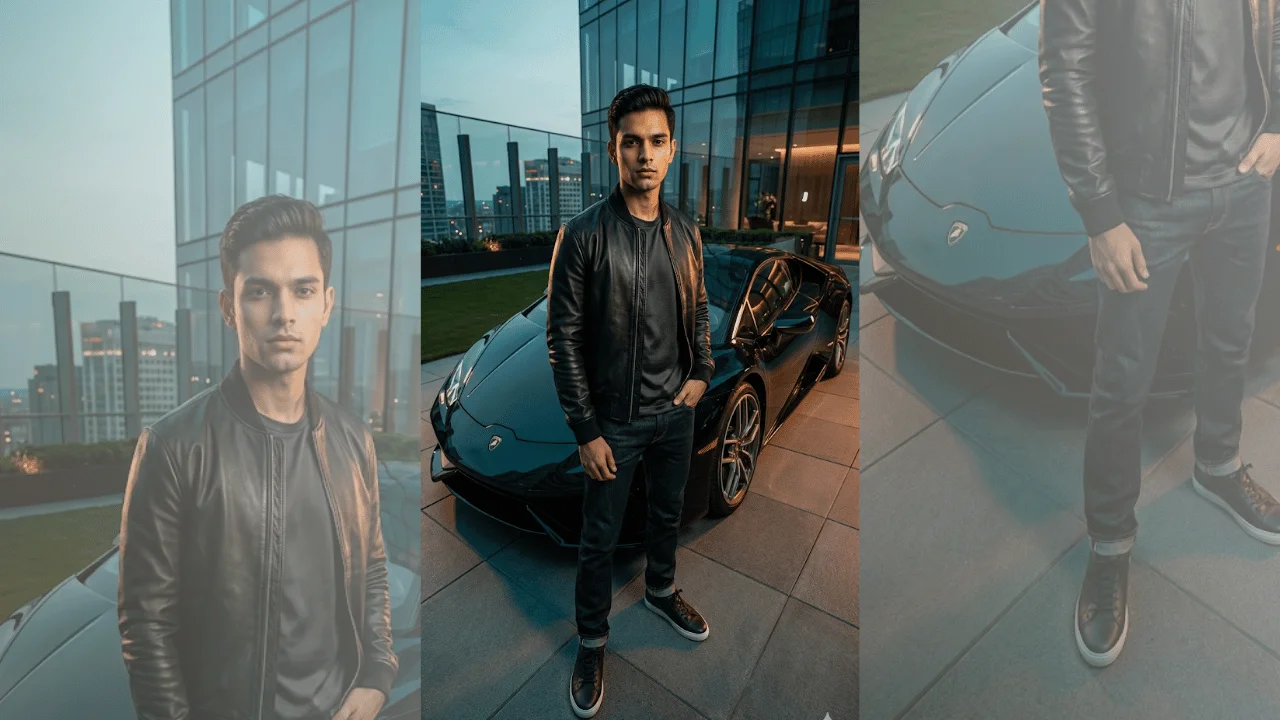
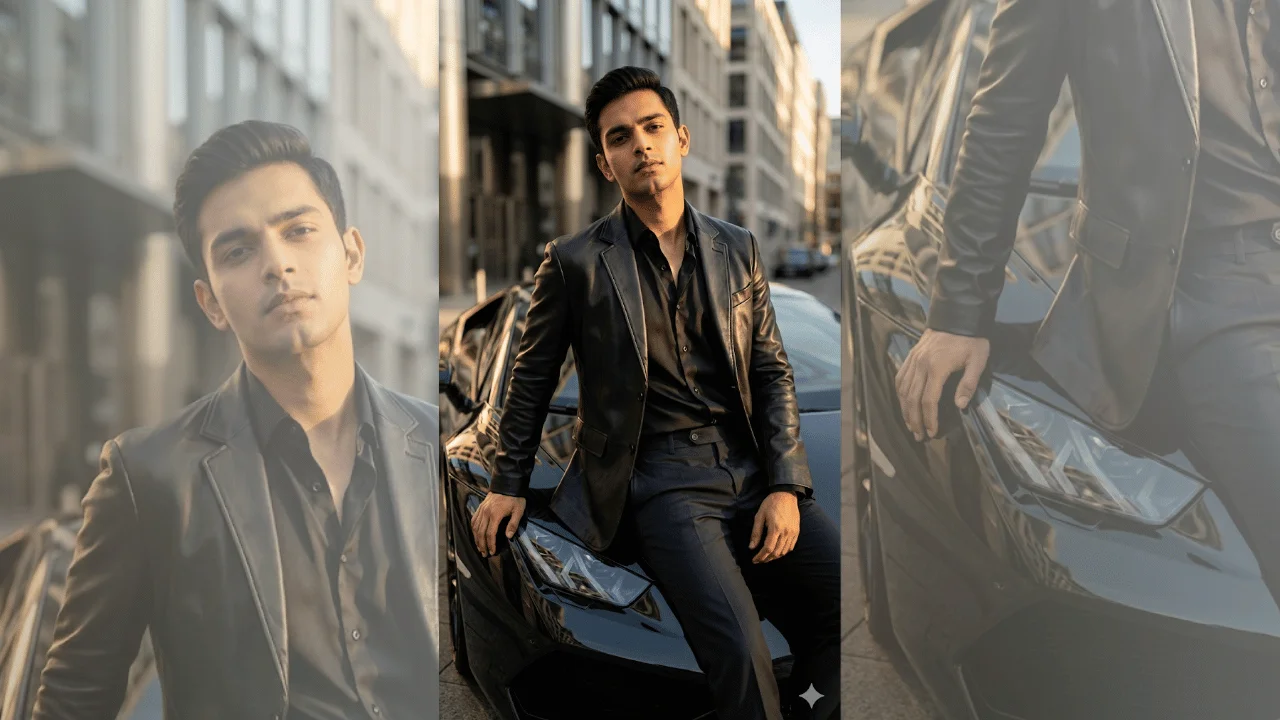
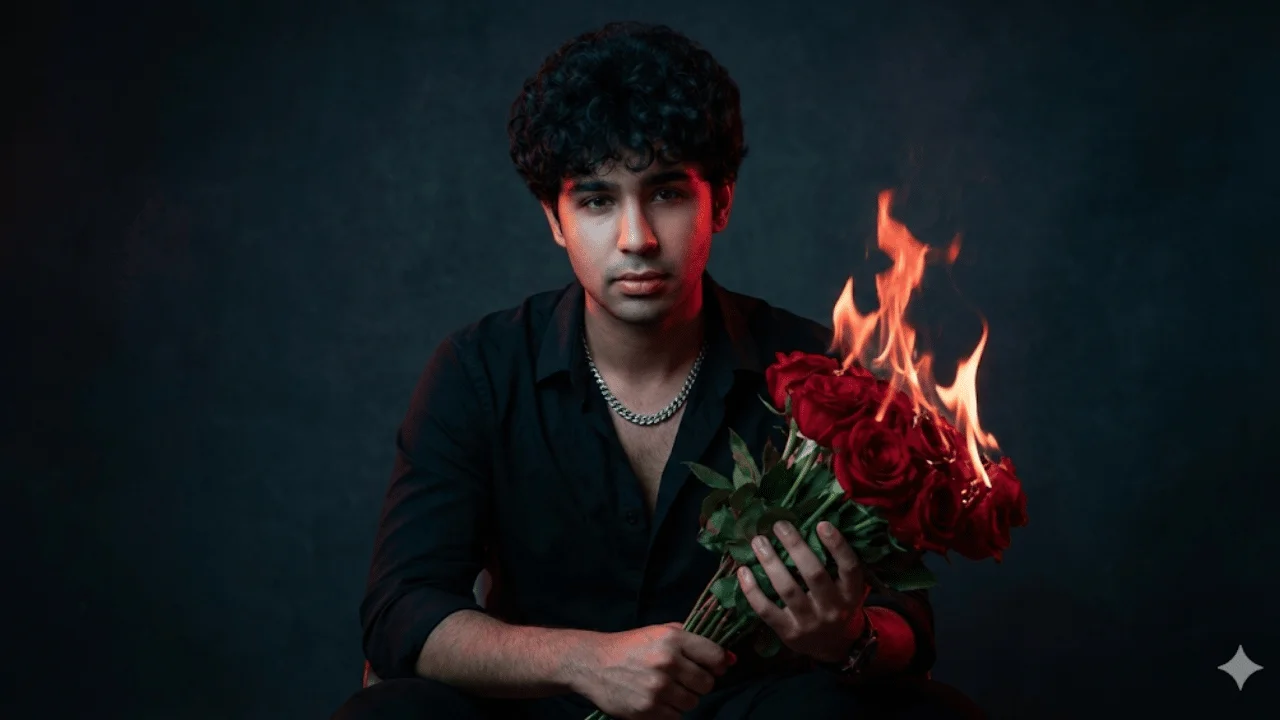
Example Output
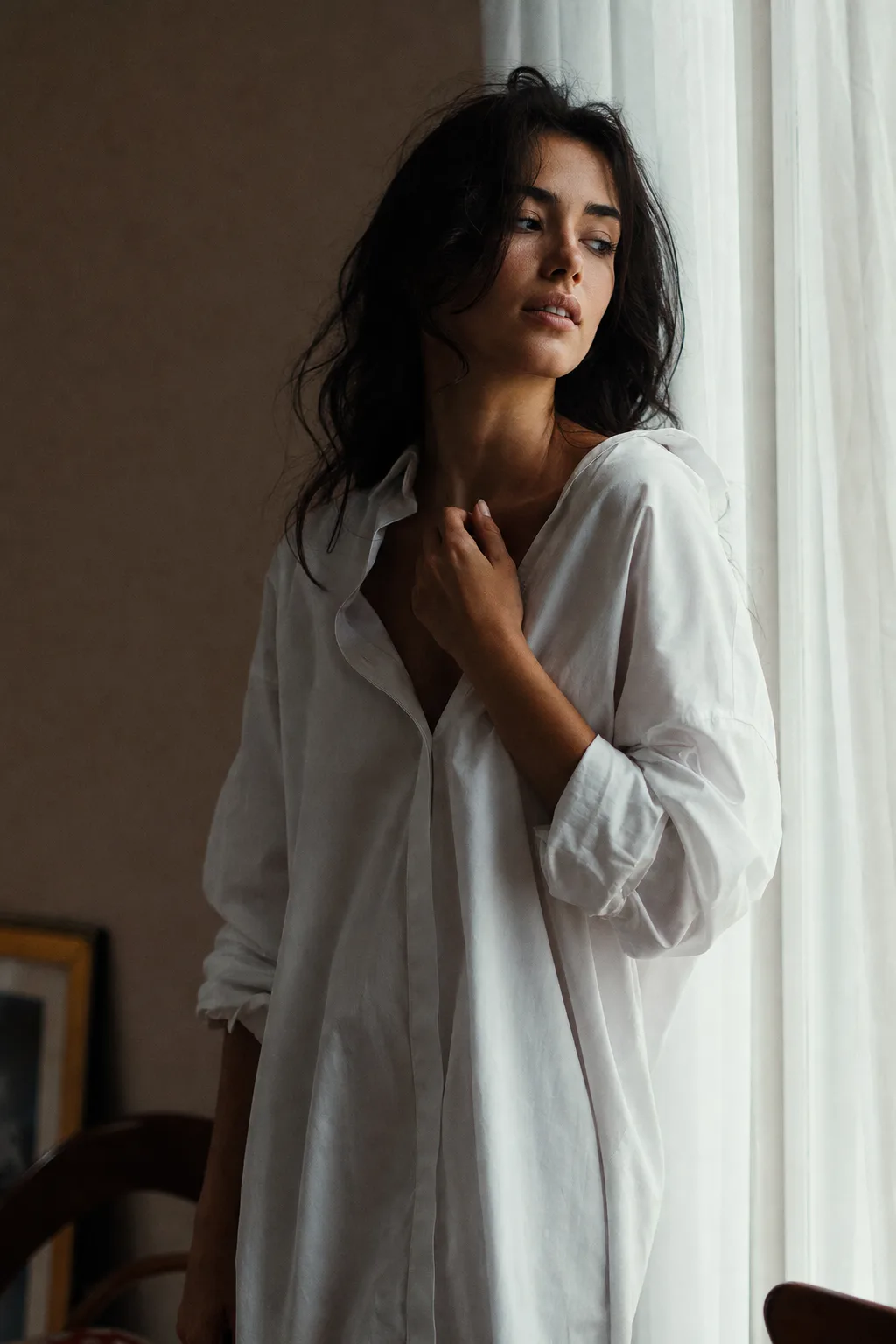 Open in Gallery
Loading elite prompt experience...
A curated stack for turning ideas into production-ready video, ads, and art.
Open in GalleryAn editorial boudoir prompt for tasteful, high-fashion intimate portraits — evocative through light and styling, with swappable wardrobe and setting.
It aims at the restrained, magazine-editorial end of the genre: the mood comes from soft directional light, elegant fabric, deep shadow and generous negative space rather than from exposure. Every wardrobe option is fully clothed and the framing stays artistic, so results read as a fashion spread rather than lingerie content. The prompt specifies an 85mm lens at f/2.0, film-like grain and muted cinematic color grading.
The scene also carries a global mood variable that sets the overall emotional tone of the frame.
Fashion editorial concepts, portfolio and mood-board work, brand campaigns for sleepwear and loungewear, album art, and elevated personal portraiture.
Click the "Copy" button above to copy the complete prompt text to your clipboard. This will copy all the text including any placeholders.
If you see placeholders like {{topic}} or {{style}} in the prompt, click "Customize & Use" to open the customization dialog. Fill in your specific values to personalize the prompt for your needs.
Go to gemini.google.com and sign in to your Google account. Make sure you have access to the image generation feature.
In Gemini, look for the "Create image" or image generation option. If available, switch to Gemini Pro or Advanced mode for higher quality outputs.
Paste the copied prompt (Ctrl/Cmd + V) into the AI tool's text input field. click the send/generate button to create your image.
Review the generated image. If it doesn't match your expectations, try regenerating or adjusting the prompt with more specific details. Most AI tools allow multiple generation attempts.
Generate with
prompt auto-copiesAffiliate links · We may earn a commission at no cost to you
Tested by the PromptsRush team
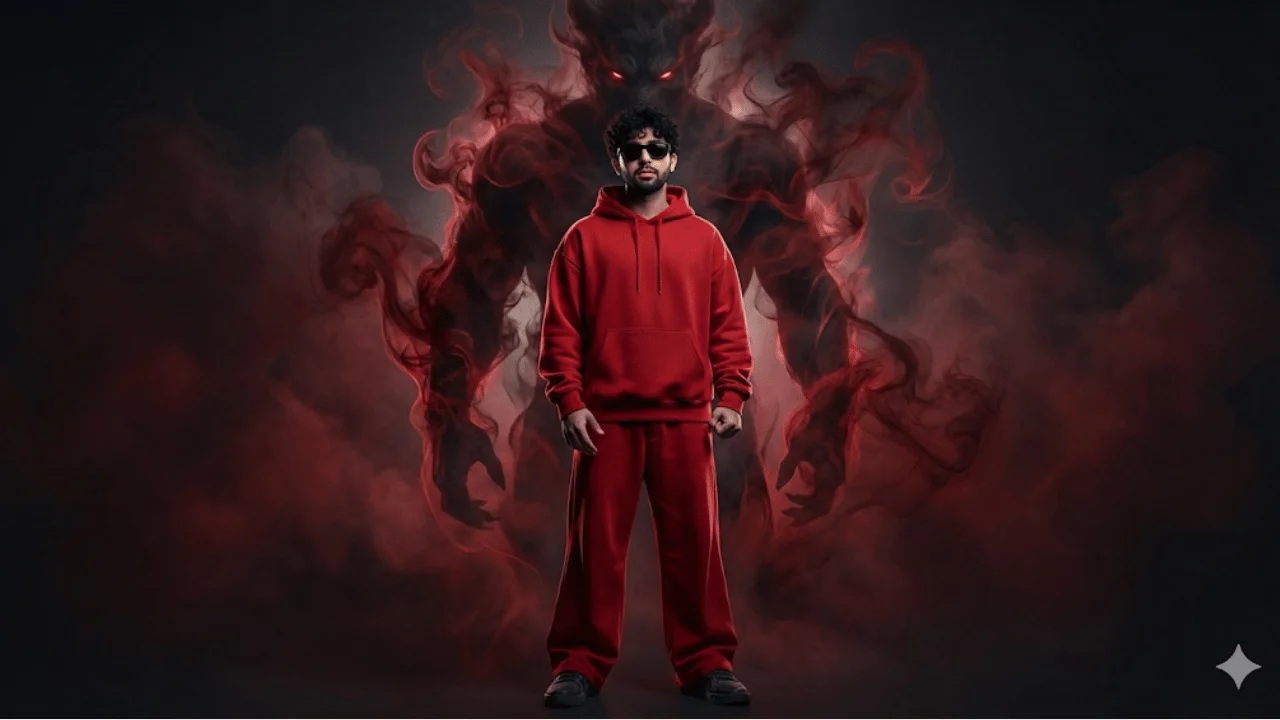
Cinematic Streetwear Portrait – Smoke Demon Presence
Advertisement